macOS app Version 1.0
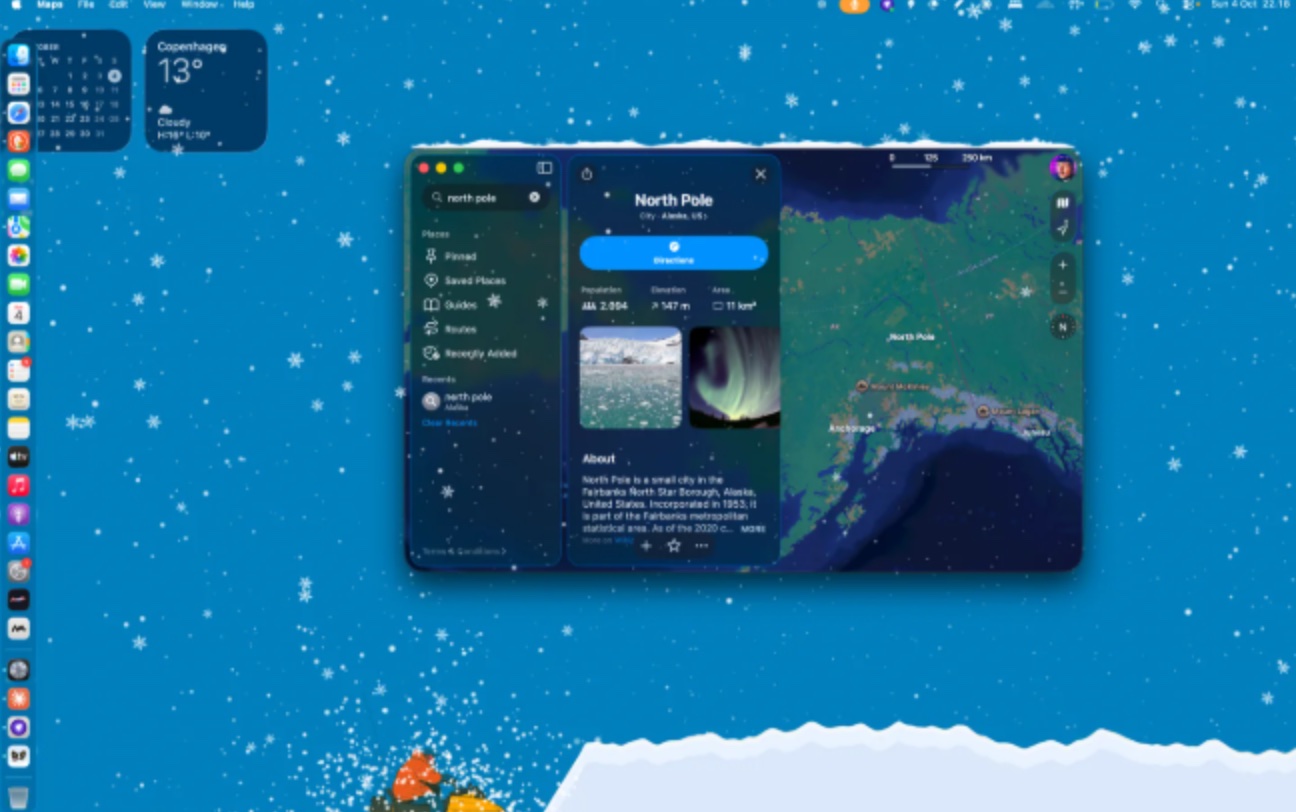
It can be snowing outside the window while the screen in front of you looks exactly as it did in July. Warm Mittens makes it snow on the Mac instead. Flakes drift down over whatever you are working on, settle on the tops of your windows and slide off when you move them. At the bottom of the screen they pile up into a drift, and when it gets deep a small snowplow drives through and clears it. It lives in the menu bar, and the snow never gets in the way of a click.
The snow
The snow is drawn in a transparent layer over the whole screen that clicks pass straight through, so you keep working underneath it. Flakes come in three depths: small faint ones far away, bigger ones close up, and now and then a whole snow crystal turning as it falls. Wind pushes all of them sideways. The slider goes from a few flurries to a blizzard.
It knows where your windows are (their size and position, never what is in them) so the closer flakes land on the window tops and build up there. Snow that slides off the end of a window gathers for a while and then lets go as a puff of powder.
Snowballs
Add a friend by swapping codes (they look like SNOW-7K3Q) and you can throw snowballs at each other's Macs. You aim at a small window shaped like their screen, set the power, and the wind bends the throw. On their Mac it hits the glass in front of everything, Dock included, flattens with a splat, sticks for a moment so they can read it and then slides down into their drift. Click it to wipe it off early.
Each snowball carries one note from a fixed list of twenty: Coffee?, Lunch?, Call me, Gaming later? and so on, with Yes, No and Maybe for answering. There is no free text, so there is nothing to moderate and nothing anyone can send you that you would not want on your screen. Only friends you have accepted can throw at you, and you can turn snowballs off.
You can throw ten a day. To try it without a friend, throw one at yourself.
Focus
Switch on Pomodoro and the drift becomes the clock. Over 25 minutes of work it fills up to the top. When the time is up, the plow comes through on its own and clears it for a five-minute break, and then it starts again. You can see how far along you are from the corner of your eye, which is about as much attention as a timer deserves.
There is also an optional night-wind sound, a long recording of a snowstorm heard from indoors, that plays while it snows. It is off until you turn it on.
Pro
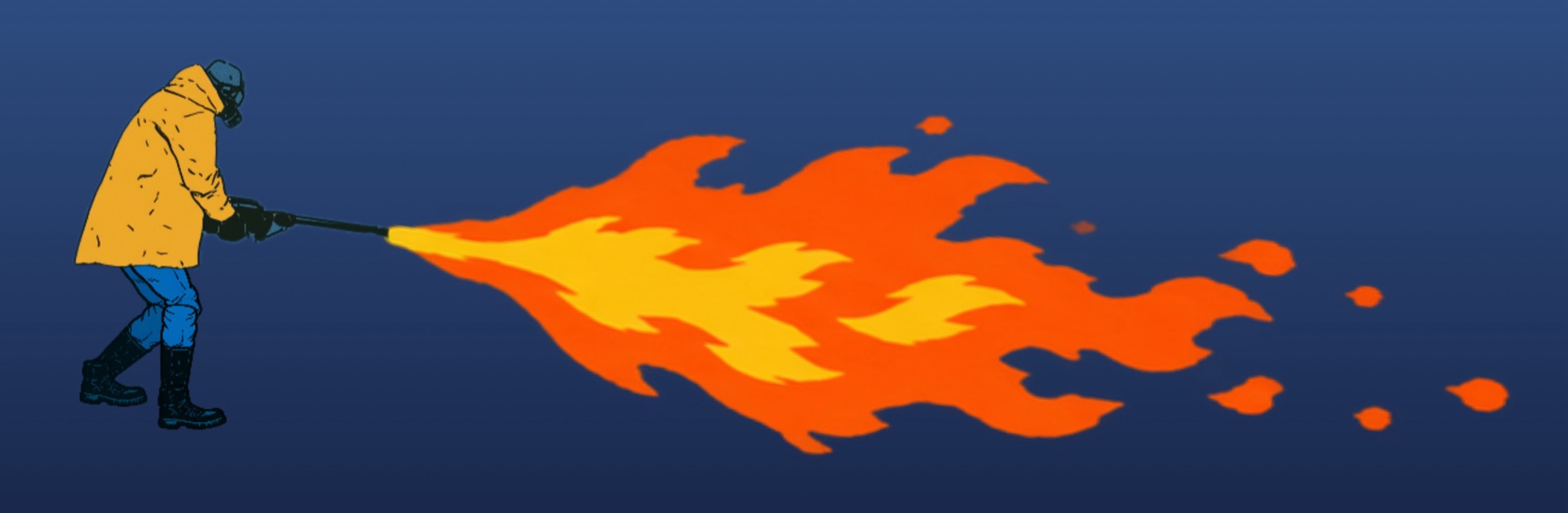
Warm Mittens Pro is a one-time purchase inside the app. It adds three more members to the clearing crew and raises your snowballs from ten a day to a hundred. It is the most frivolous part of an app that is frivolous to begin with, and it is also what pays for the snowball server.
The three clearing tools run on your own Mac and keep working for good, whatever happens to anything else. The hundred snowballs a day depend on the snowball service, which runs on a server I pay for. I intend to keep it running, but online services do change and one day this one may stop. If it does, the snow, the drift, the icicles and the whole crew carry on as before.
Limits
Download
Get it from the Mac App Store and open it: a snowflake appears in the menu bar and it starts snowing. The first time, the panel opens on its own so you can find it. Needs macOS 13 or later and runs on Apple silicon and Intel. Updates come through the App Store.
Questions and fixes are on the support page. If something is wrong, tell me.
The wallpapers include photos by Erol Ahmed, Michael Niessl and BehindTheTmuna from Unsplash. The plow's engine is "Hover vehicle idle loop" by MickBoere and the night wind is "Howling winter storm ambient sounds" by DBlover, both from Freesound under CC0.