Output

Two finished scans.

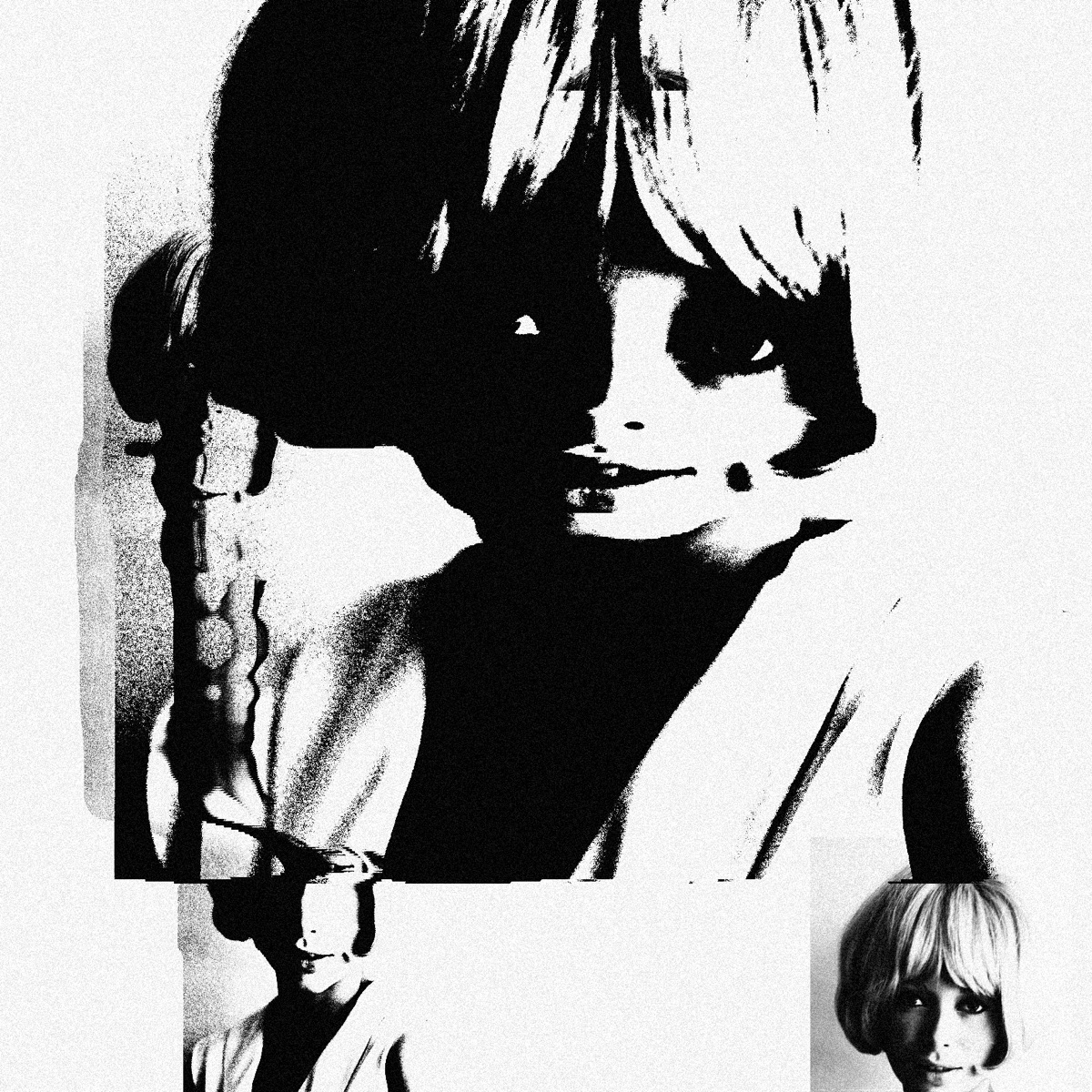
High contrast black and white scan of a portrait, stretched and torn into offset bands with heavy copier grain.
Xerox ink, stacked layering, grain at full.
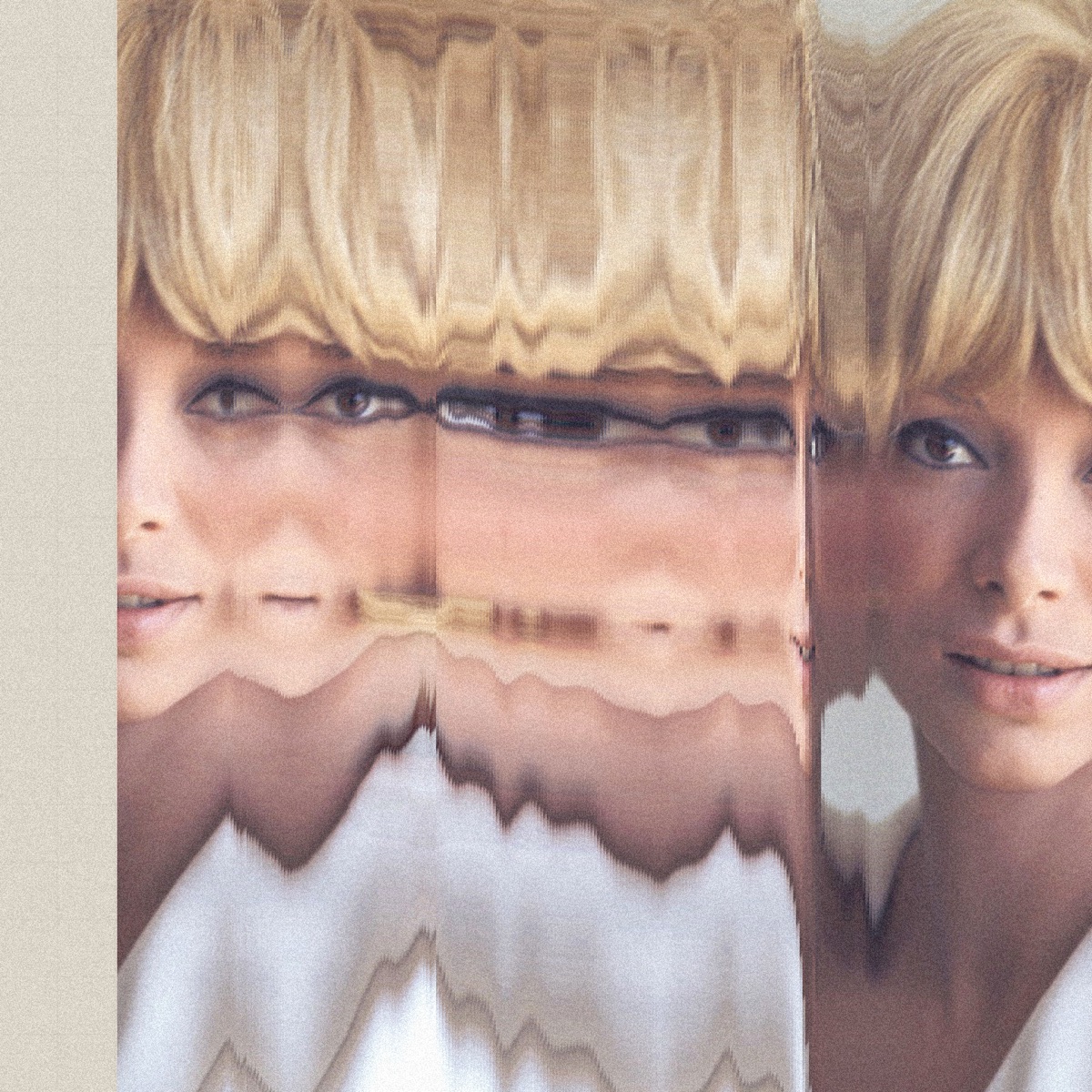
Colour scan of a portrait smeared horizontally into repeating bands, the face stretched and duplicated across the frame.
Colour ink, same drag.

Three inks.

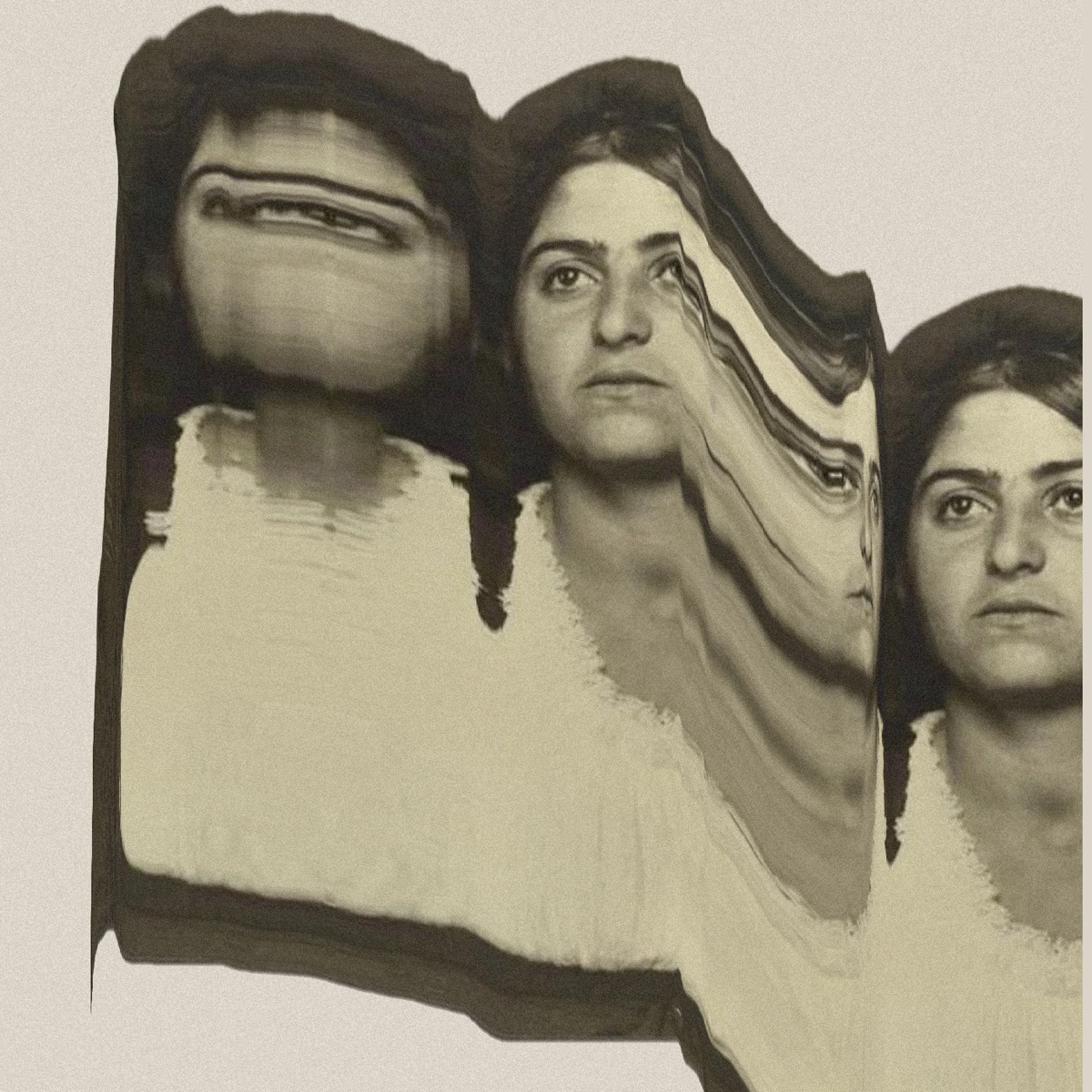
A sepia portrait copied three times across the page: the first smeared into horizontal bands, the second bent into a wave, the third clean.
Colour. The photo's own tones.
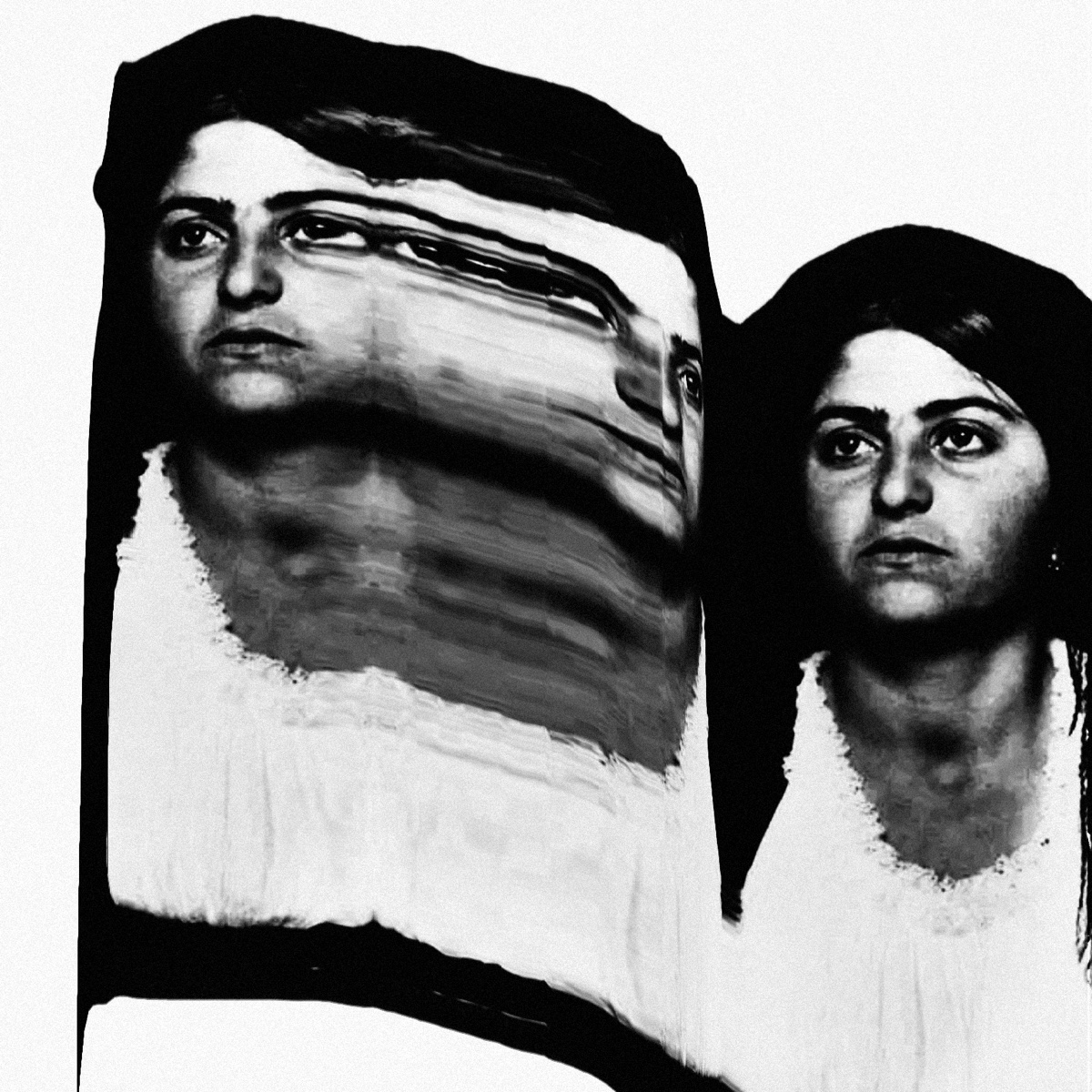
A portrait in hard black and white, copied twice: one face stretched and smeared sideways, the other clean beside it.
Copier. Crushed blacks, blown highlights.
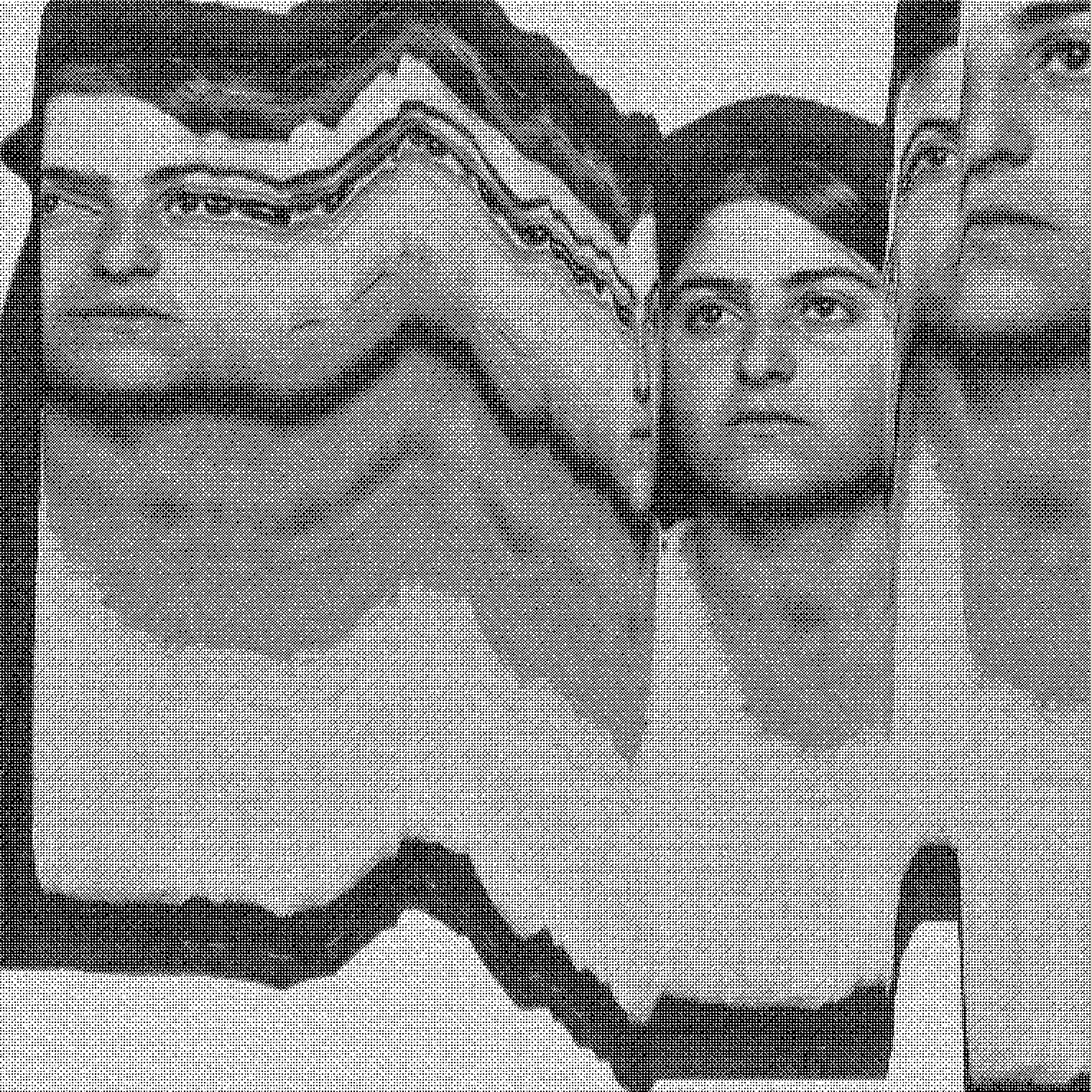
A portrait made of fine black and white dots, pulled into wavy bands with clean copies of the face beside them.
Dither. Only black and white dots.

Versions

App or browser?

Free browser version

Experiment with up to three images and export a 1520 px square PNG. Export before closing the tab to keep your result.

App for iPhone, iPad and Mac

Save a project and come back to it, undo and redo every pass and move, or record your scan as a GIF or video. On iPhone, Hand Scan turns the camera into a scanner as you pan across a subject.

Try all features for seven days. After that, exports carry a trial mark until you unlock the app. One purchase covers all three devices.

Your images stay on your device.

Nothing is uploaded. The scanning and the export happen on your phone, tablet or computer.

Try free in browser

Make a scan and export a PNG. No account needed.

Get the app

7-day trial. One purchase covers iPhone, iPad and Mac.