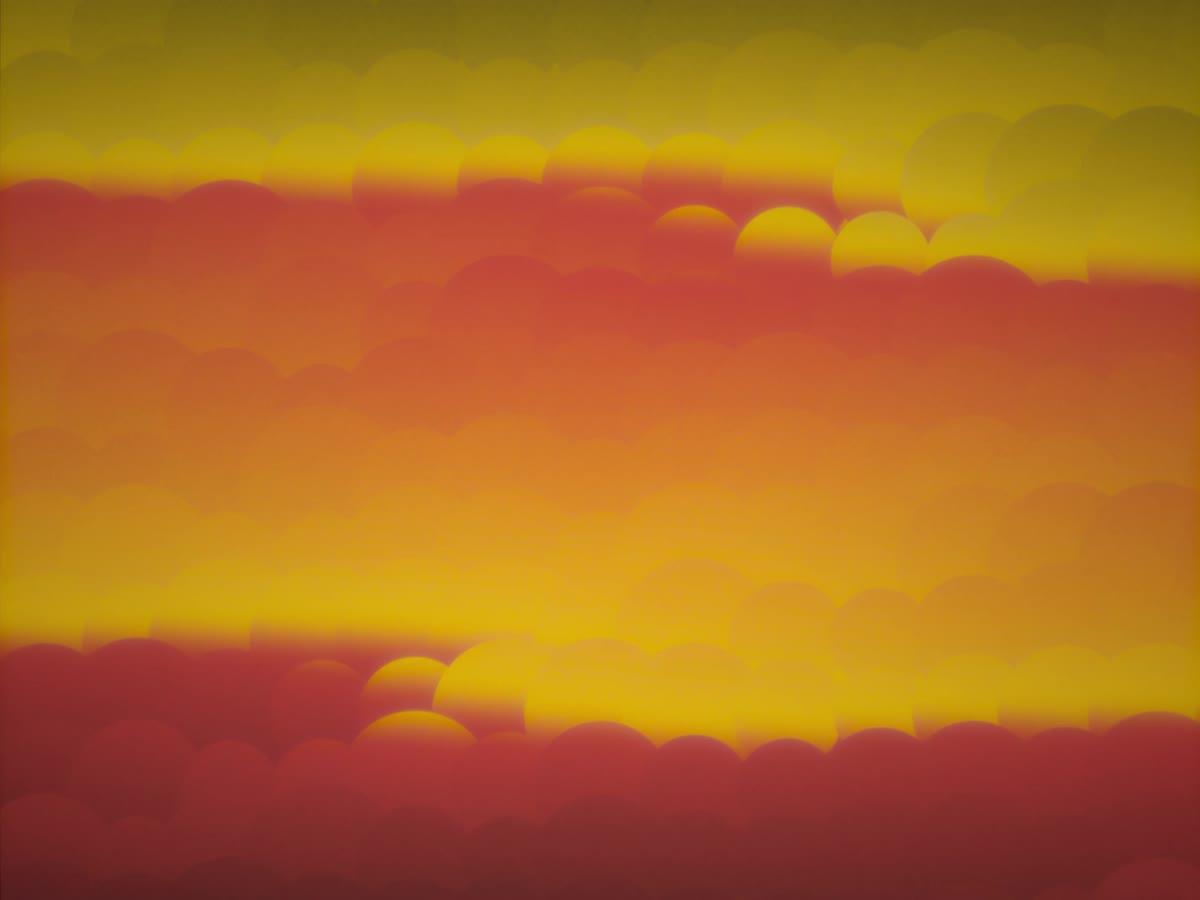
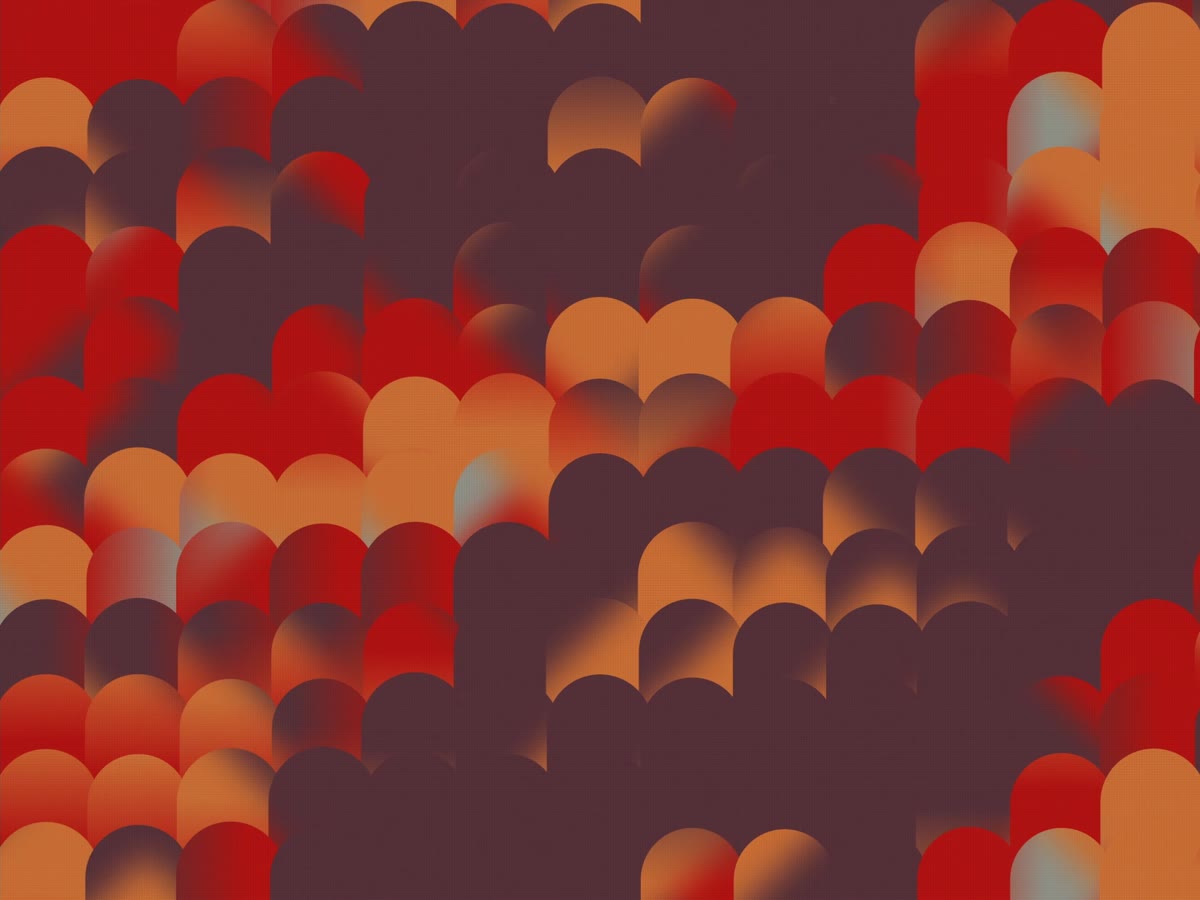
Web app Live · free
A grid of lenses laid over a picture, each one sampling from a slightly different place. A wave runs through the grid and the whole sheet tilts. Turn the knobs until you like what you see, then export a still or a seamless loop. It runs in the browser with no backend, so nothing is uploaded.
Demo
How it works
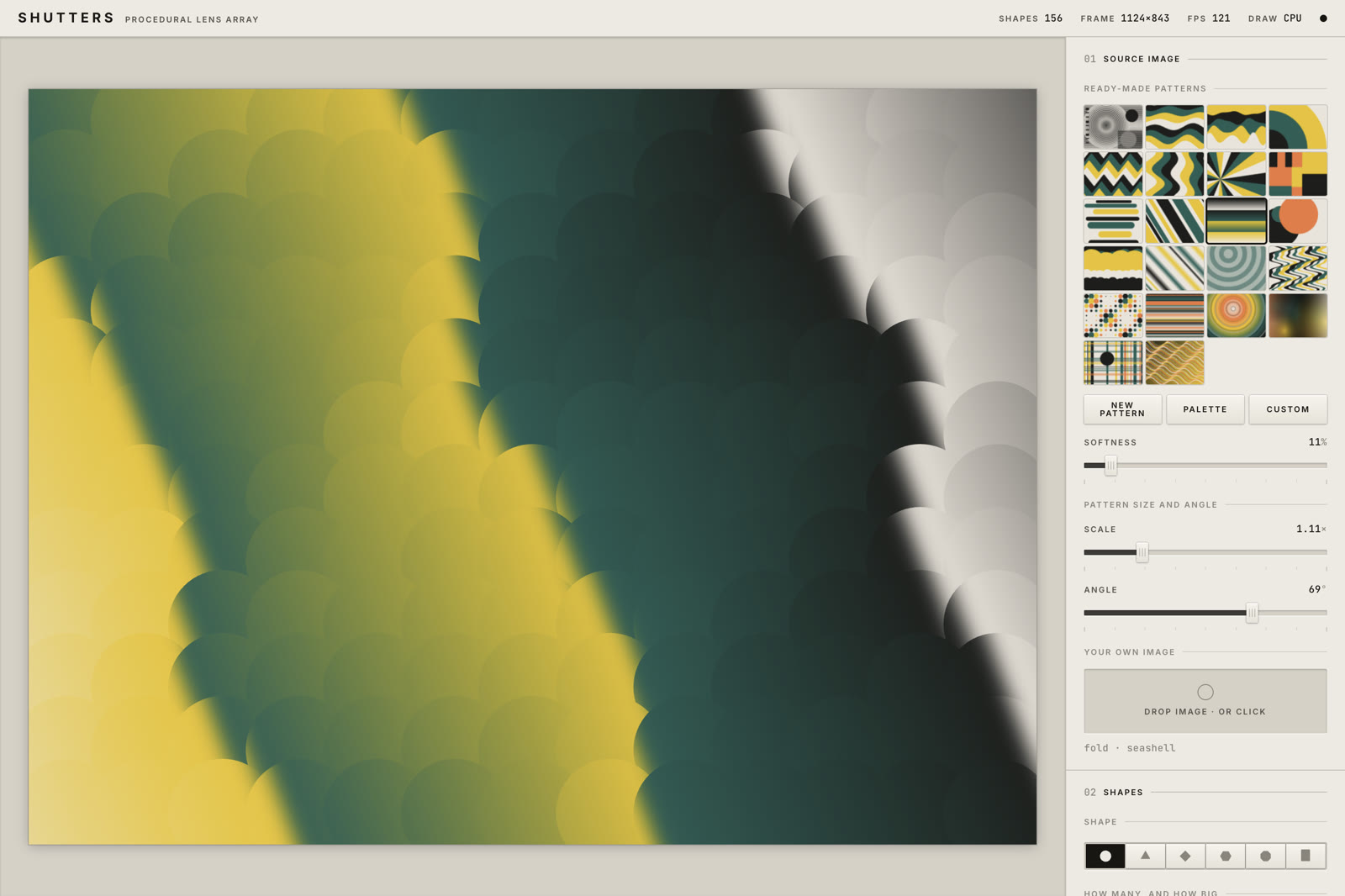
Twenty-two source plates, generated rather than shipped. Or drop your own image on the stage.
Each cell is a mask that samples the picture from a displaced position. An animated wave field decides the displacement.
A PNG at up to four times the preview, or a folder of numbered frames that loops seamlessly.


The panel
Everything past the first two sections has a master switch and starts off, so the thing you open is simple and gets complicated only where you ask it to.
Export
A PNG comes out at one, two or four times the preview, and it is the preview enlarged rather than a different composition — the wave field is defined in fractions of the frame, not in pixels.
A loop is harder. Every animated quantity has to come back to where it started, and the displacement field originally could not: its time frequencies only realigned after about ten thousand cycles. Space and time are separated now, so the field looks the same and repeats exactly. Everything else — drift, orbit, the field itself — is rounded to a whole number of cycles across the loop, and that rounding is the loop.
Which leaves a choice: bend the speed to fit the length, or the length to fit the speed. Bending the speed is the wrong answer, and it was the first one — at the default a two-second loop ran at nearly twice the preview. So the panel reports the ratio, and Fit picks the length that needs no rounding at all.
Under the hood
Drawing each lens on the CPU costs a fixed amount per shape, so it scales with how many there are. A fragment shader inverts that: it is handed a pixel and works out for itself which lens covers it, so the cost is per pixel and flat. Neither wins everywhere — at the default grid the CPU is fifteen times faster, and at twenty-five thousand shapes the GPU is twenty times faster.
So the default picks. Dense grids and anything feathered go to the GPU, everything else stays on the CPU, and the header says which one actually drew the last frame rather than which one was asked for.
Getting the two to agree needed one shared change. The per-shape random draw used the usual sine-and-fract hash, which is precision-dependent: JavaScript computes it in double and a GPU in single, and past a few thousand shapes the two produce entirely different numbers. Both look random, which is what makes it hard to catch — it stayed invisible while the hash only picked colours and appeared the moment it started deciding geometry. Both now run the same integer hash.